
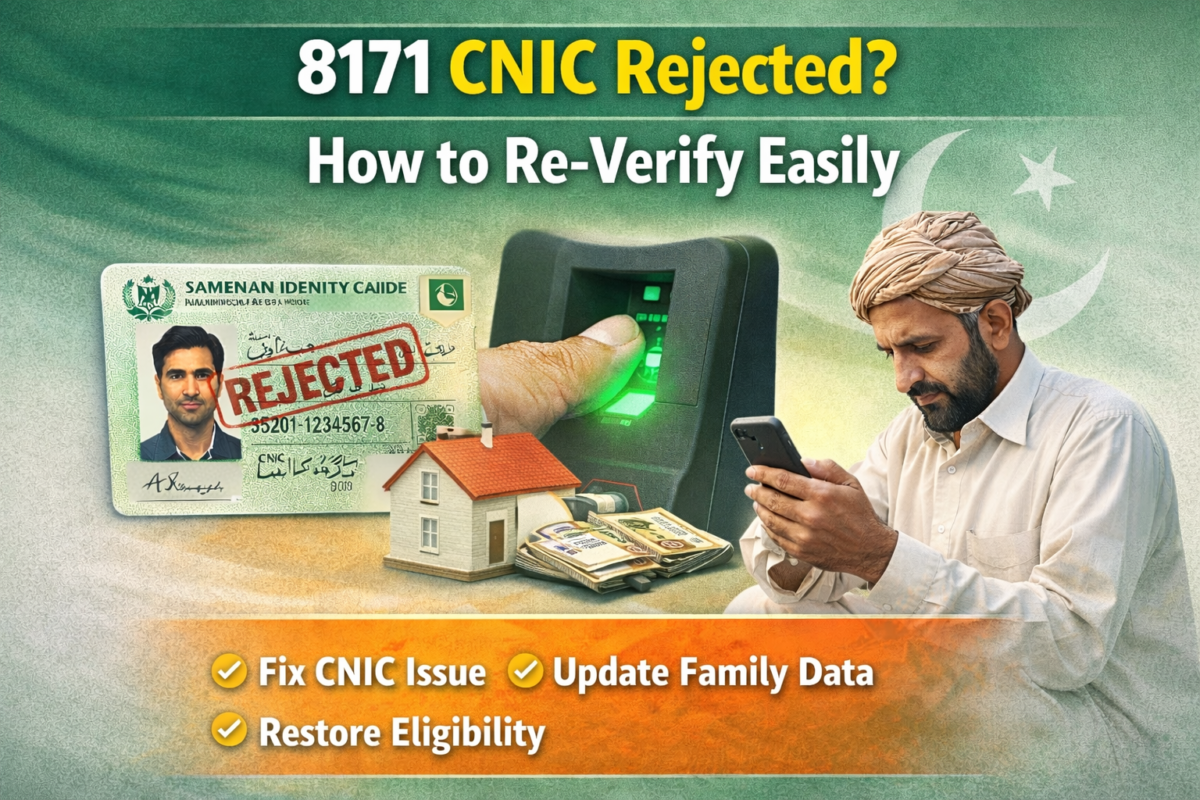
Many people feel worried when they see the message 8171 CNIC rejected. This situation creates fear about losing financial support. The good news is that CNIC rejection is common and mostly temporary. In most cases it happens due to verification or data mismatch issues that can be fixed easily. This guide explains how to re verify your CNIC step by step in clear and simple words.
What Does 8171 CNIC Rejected Mean
When your CNIC shows rejected it means the system cannot confirm your identity or eligibility at the moment. It does not always mean you are permanently disqualified. Usually the issue is related to CNIC verification, biometric mismatch or outdated information.
The rejection message acts as an alert so you can correct the problem before payments stop. Understanding this message helps you take quick and correct action.
Common Reasons for CNIC Rejection
There are several reasons why a CNIC gets rejected. Most of them are small issues that people overlook.
Common reasons include
• Expired CNIC
• Biometric verification failure
• Mismatch in NADRA record
• Incomplete family data
• Multiple registrations in one household
Identifying the reason makes re verification faster and smoother.
How to Check CNIC Status Correctly
Before starting re verification you must confirm your status. Always use the official SMS method. Send your CNIC number to 8171 using your own registered SIM.
The reply message clearly tells whether your CNIC is rejected under verification or requires update. Avoid repeated messages as it does not speed up the process.
Step by Step CNIC Re Verification Process
Re verifying your CNIC is simple if you follow the right steps. First make sure your CNIC is valid and active. If it is expired renew it immediately.
Then follow these steps
• Visit an authorized verification center
• Complete biometric verification carefully
• Update family information if required
• Confirm data accuracy before submission
Once these steps are completed your record enters review automatically.
Importance of Biometric Verification
Biometric verification is a key part of the re verification process. Even a small fingerprint mismatch can cause CNIC rejection. Many people face this issue due to worn fingerprints or scanning errors.
To improve success
• Wash and dry hands properly
• Use different fingers if allowed
• Avoid rushing during scanning
• Update biometric data at NADRA if needed
Successful biometric verification often resolves the issue instantly.
Comparison of Verification Methods
Understanding verification options helps choose the right solution
| Verification Method | Purpose |
|---|---|
| SMS Check | Confirms CNIC status |
| Biometric Scan | Verifies identity |
| NADRA Record Update | Corrects personal data |
| Family Data Review | Confirms household details |
| Manual Office Review | Solves complex cases |
Each method supports accurate identity confirmation and eligibility review.
How Family Data Affects CNIC Status
Family data plays an important role in eligibility. If household members are missing or incorrectly listed your CNIC may be rejected. The system checks family size income source and relationship details.
Always update changes such as marriage new children or address shift. Correct family data protects your eligibility status and prevents future rejection.
What To Do If CNIC Remains Rejected
If your CNIC remains rejected after initial steps do not panic. Some cases require manual review. This usually happens when data conflicts or special conditions exist.
You can
• Visit the nearest help desk
• Request manual verification
• Re confirm biometric record
• Wait for review completion
Most manual reviews resolve successfully with patience.
How Long Re Verification Takes
Re verification time depends on the type of issue. Simple biometric or CNIC expiry cases resolve quickly. Data mismatch cases may take a little longer.
During this time your record stays active. Payments usually resume automatically once verification completes.
Mistakes To Avoid During Re Verification
Avoiding common mistakes saves time and effort. Many people delay resolution by repeating errors.
Avoid these mistakes
• Providing incorrect income details
• Using another person SIM
• Submitting duplicate requests
• Ignoring official messages
Following instructions carefully leads to faster approval.
How Re Verification Protects Future Payments
Re verification does more than restore eligibility. It updates your record and prevents future issues. A verified CNIC ensures smooth payment cycles and reduces chances of delay.
Keeping your data updated is the best way to protect your financial support.
Also Read; 8171 Check Online CNIC BISP January 2026 Eligibility Guide
Final Words
Seeing 8171 CNIC rejected is stressful but it is not the end. Most cases are easily fixable with correct verification and honest information. Act calmly follow official steps and keep your data updated. With proper re verification your eligibility and payments return smoothly.
FAQs
Why does my CNIC show rejected on 8171?
Your CNIC shows rejected due to verification issues biometric mismatch or outdated information.
Can I re verify my CNIC after rejection?
Yes re verification is allowed and encouraged to restore eligibility and payments.
Does expired CNIC cause rejection?
Yes an expired CNIC automatically causes rejection until renewal and update.
How long does CNIC re verification take?
Most cases resolve quickly while complex cases may take slightly longer due to review.
Will I lose payments during CNIC rejection?
Payments pause temporarily but resume once re verification is completed successfully.